Table of Contents (10 sections)
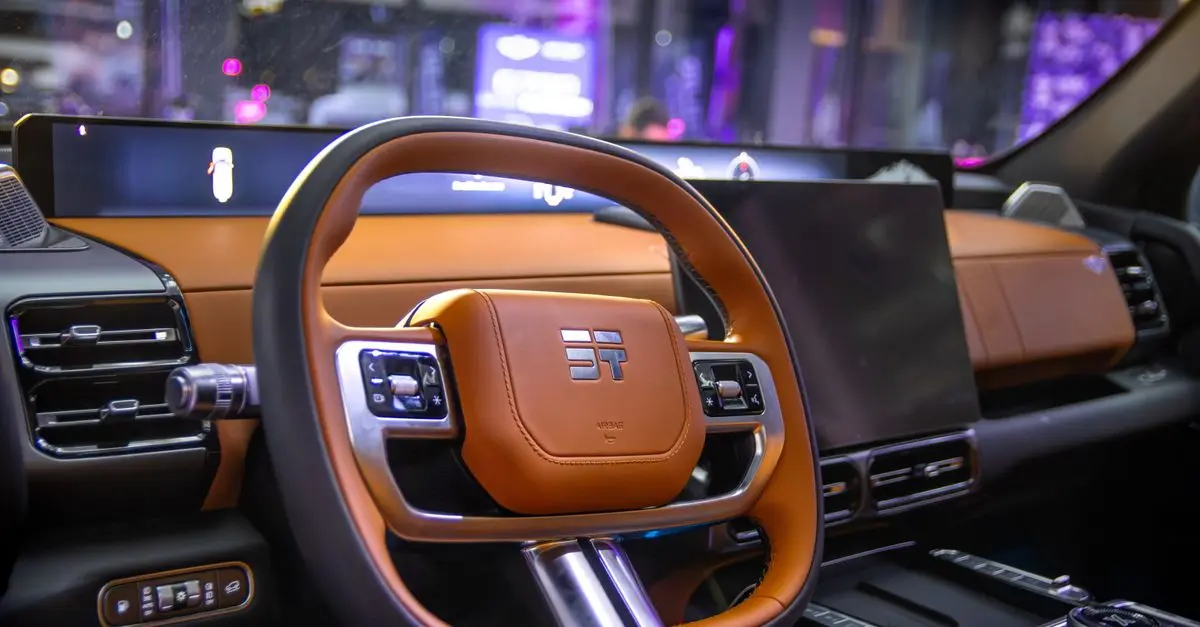
In recent years, virtual automotive technology has transformed how we engage with driving simulations. By bringing together advanced hardware and immersive software, it’s now possible to create a realistic driving experience right in your own living room. This tutorial will guide you through the steps to develop an engaging virtual driving setup without breaking the bank.
Step 1: Choose the Right Equipment
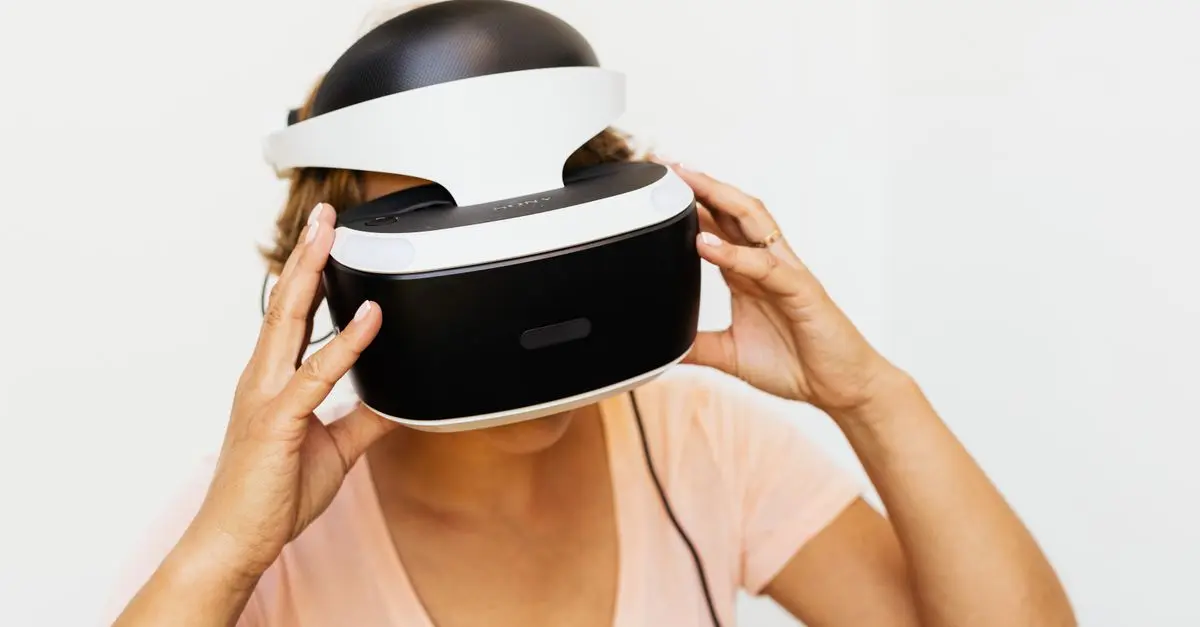
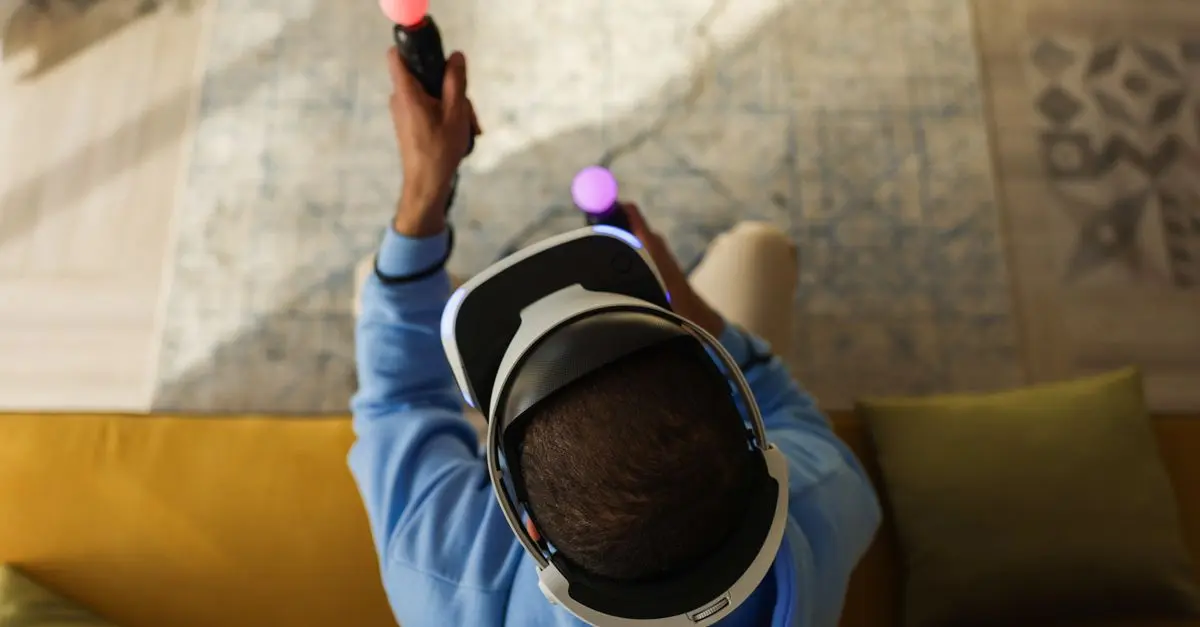
The first step in creating a realistic virtual driving experience is selecting the right hardware. You'll need a quality gaming console or PC that supports high-end graphics. Cars produced by top manufacturers often come with simulation-ready features, making your experience even more authentic. Look for systems that support VR (Virtual Reality) headsets like the Oculus Quest 2 or HTC Vive, as they can significantly enhance the immersion of your driving experience.
Be sure to check the specifications required for your chosen platform. If you opt for a gaming PC, components like a powerful GPU and sufficient RAM are critical for smooth performance. Alternatively, console options like the PlayStation 5 or Xbox Series X can provide top-notch gaming experiences too.
Step 2: Select the Right Software
Once your hardware is ready, it's time to find the right driving simulation software. There are many options available, from arcade-style games to serious simulation software tailored for enthusiasts. iRacing and Assetto Corsa are two favorites among serious racers who prefer a detailed and realistic experience. On the other hand, titles like Forza Horizon blend realistic driving with open-world exploration, which can be fun for casual gamers.
Before purchasing any software, ensure it is compatible with your hardware. Read user reviews to get an understanding of how well the software performs. Some might even offer trial periods, allowing you to test before making a commitment. A good simulation software will not only allow you to drive different vehicles but also adjust the driving dynamics, providing a closer-to-reality experience.


invisaWear Technologies Corporation Safety Classic Keychain - Gold Flower
sharperimage.com

Argon Technologies Inc., dba Klymit Rightline Gear Memory Foam Camp Pillow - Green - Large
sharperimage.com
Step 3: Build Your Setup
Your virtual driving experience should mimic a real car as closely as possible. Invest in quality peripherals including a steering wheel with force feedback, pedals, and possibly a racing seat for added comfort and realism. A dedicated racing seat can help recreate the feel of being behind the wheel.
While shopping, pay attention to user feedback on setup processes and compatibility with the software you decided on. Brands like Logitech and Thrustmaster offer a range of hardware suitable for different budgets. Setting up your equipment requires careful attention to detail — ensure all components are secured and programmed correctly for optimal performance.
Step 4: Calibration and Testing
After assembling your equipment, it’s crucial to calibrate your hardware according to the software requirements. Many simulation games include easy calibration settings that guide you through matching your wheel’s input with the game’s response. Don’t skip this step! Proper calibration ensures an authentic driving feel and can significantly impact your gameplay experience.
Take time to familiarize yourself with the settings of both your software and hardware. Adjust sensitivity levels to suit your driving style and comfort. Practicing with various settings can help you find a balance that feels natural.
Step 5: Engage with the Community
Once your setup is complete, don’t forget to engage with the large community of virtual drivers out there. Joining forums or participating in online races can greatly enhance your experience, as you can learn tips from seasoned drivers and share your own experiences.
Overall, engaging with others also opens up opportunities for competitive racing, which can push your skills to the next level. Consider subscribing to channels or following pages that focus on your favorite simulation software or hardware. They often share tips, tricks, and updates that can enhance your virtual driving sessions.
Step 6: Explore Further Enhancements
If you find yourself enjoying your virtual driving experience, consider exploring further enhancements. This includes investing in quality VR headsets or multi-screen setups for a broader field of view. External motion simulators that replicate the sensation of moving can take your experience up several notches!
Research reviews on these products to ascertain if they’re worth the investment based on your interest level and budget. There are also controller add-ons available that can work with your setup to enhance realism.

SIVACU black wireless Automobile Folding Vacuum Cleaner Hand-held High-power Strong Suction Vacuum Cleaner
shop.simon.com

SIVACU white wireless Automobile Folding Vacuum Cleaner Hand-held High-power Strong Suction Vacuum Cleaner
shop.simon.com
Glossaire
| Terme | Définition |
|---|---|
| Technologie VR | Technologie permettant d'immerger l'utilisateur dans un environnement numérique. |
| Simulateur de conduite | Logiciel ou matériel reproduisant l'expérience de conduite d'un véhicule. |
| Feedback de force | Sensation physique transmise par des appareils, imitant la résistance d'un volant de voiture. |
Checklist avant achat
- [ ] Vérifier la compatibilité du matériel avec le logiciel
- [ ] Examiner les avis utilisateurs sur tous les produits
- [ ] Sécuriser un bon emplacement pour votre setup
- [ ] Calibrer chaque appareil selon les spécifications
- [ ] Rejoindre des forums pour des conseils et des retours d'expérience
🧠 Quiz rapide : What is essential for a more realistic driving experience?
- A) Simple controller
- B) High-end steering wheel
- C) Regular keyboard
Réponse : B — A high-end steering wheel greatly enhances the realism of the driving experience.
📺 Pour aller plus loin: Check out YouTube for "Realistic Virtual Driving Setup Reviews" for practical setups and user feedback.
Ressources
Embellish your experience with our recommended products that are thoughtfully chosen for enhancing your virtual driving sessions.
📺 Pour aller plus loin : realistic virtual driving setup reviews sur YouTube
Recommended products
Selected by our experts
Pred Technologies USA Inc Fingerprint Padlock
sharperimage.com
A fingerprint padlock provides a secure way to keep your belongings safe in your driving setup area, ensuring peace-of-mind.
invisaWear Technologies Corporation Safety Classic Keychain - Gold Flower
sharperimage.com
A safety keychain can enhance your security when taking your virtual setup outdoors or to racing events.
Argon Technologies Inc., dba Klymit Rightline Gear Memory Foam Camp Pillow - Green - Large
sharperimage.com
A comfortable camp pillow can make long gaming sessions more enjoyable, ensuring you can focus fully on your experience.
SIVACU black wireless Automobile Folding Vacuum Cleaner Hand-held High-power Strong Suction Vacuum Cleaner
shop.simon.com
SIVACU white wireless Automobile Folding Vacuum Cleaner Hand-held High-power Strong Suction Vacuum Cleaner
shop.simon.com